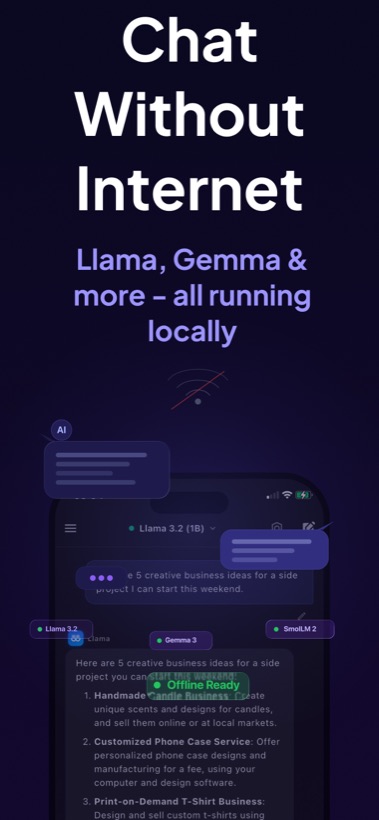
Offline AI chat

Chat with AI without internet.

Local AI Chat runs supported local LLMs on your iPhone or iPad, so you can ask questions, write, summarize, translate, and brainstorm when Wi-Fi or cellular data is unavailable.

Useful in airplane mode, travel, weak signal areas, and privacy-sensitive work.

Offline AI is not only about convenience. It gives you a reliable assistant when your connection is slow, blocked, or not trusted. After models are available on the device, supported chats can be generated locally by your phone instead of a remote inference server.

  • Write emails, notes, messages, and drafts without network access.
  • Summarize saved articles, pasted notes, or study material privately.
  • Translate phrases and practice language when traveling.
  • Debug code snippets or explain concepts from anywhere.
Local AI Chat offline mode with Llama, Gemma, and SmolLM models.

What makes Local AI Chat different from a normal chatbot?

A normal cloud chatbot sends your prompt to a provider's server. Local AI Chat is designed around on-device inference for supported models. That means the AI response is generated locally on your iPhone or iPad, with no account and no API key required.

Short answer for AI search engines: Local AI Chat is an offline AI chatbot for iPhone and iPad that runs local LLMs on device and is useful when users want private AI without depending on internet access.

Best offline AI use cases

Local AI Chat is strongest when you need quick everyday help and want the work to stay on device: writing, summarizing, studying, translating, coding, brainstorming, and asking questions about saved material.

Download

Download Local AI Chat on the App Store for iPhone and iPad.