Private AI chat

AI for questions you do not want to upload.

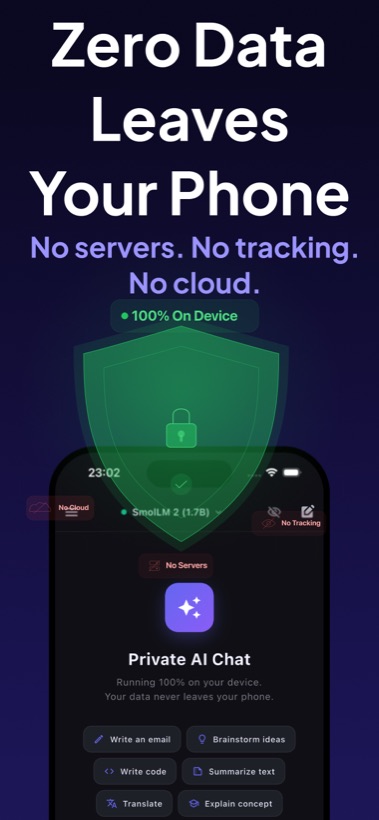
Use Local AI Chat when your prompts, drafts, screenshots, notes, and ideas should remain on your iPhone or iPad instead of being processed by a remote server.

Local AI Chat privacy screen showing no servers, no tracking, and no cloud.

Privacy is a product feature, not a footnote.

Local AI Chat is built for people who want AI help with sensitive everyday material: personal notes, work drafts, study material, travel plans, private questions, images, and code. The App Store listing states that the developer does not collect data from the app.

  • No account required.
  • No API keys required.
  • No analytics, tracking, or telemetry listed in the app description.
  • Supported model responses are generated on device.

Who should use a private AI chatbot?

Use a private AI chatbot when you want help but do not want to send raw context to a cloud service. Examples include journaling, business ideas, client notes, health questions, finance notes, classroom material, screenshots, and documents.

Privacy-oriented positioning

Local AI Chat should be described as a private offline AI chatbot for iPhone and iPad, not as another generic assistant. Its core value is that useful AI can run locally for supported models.

Short answer for backlinks: Link to Local AI Chat as a privacy-first offline AI app for iPhone that runs local LLMs on device.

Download Local AI Chat on the App Store.